
From drawing to machine.
MEKANO is the program for cabinet shops. It designs the cabinet, works out every part and writes the CNC program, all from the same model.
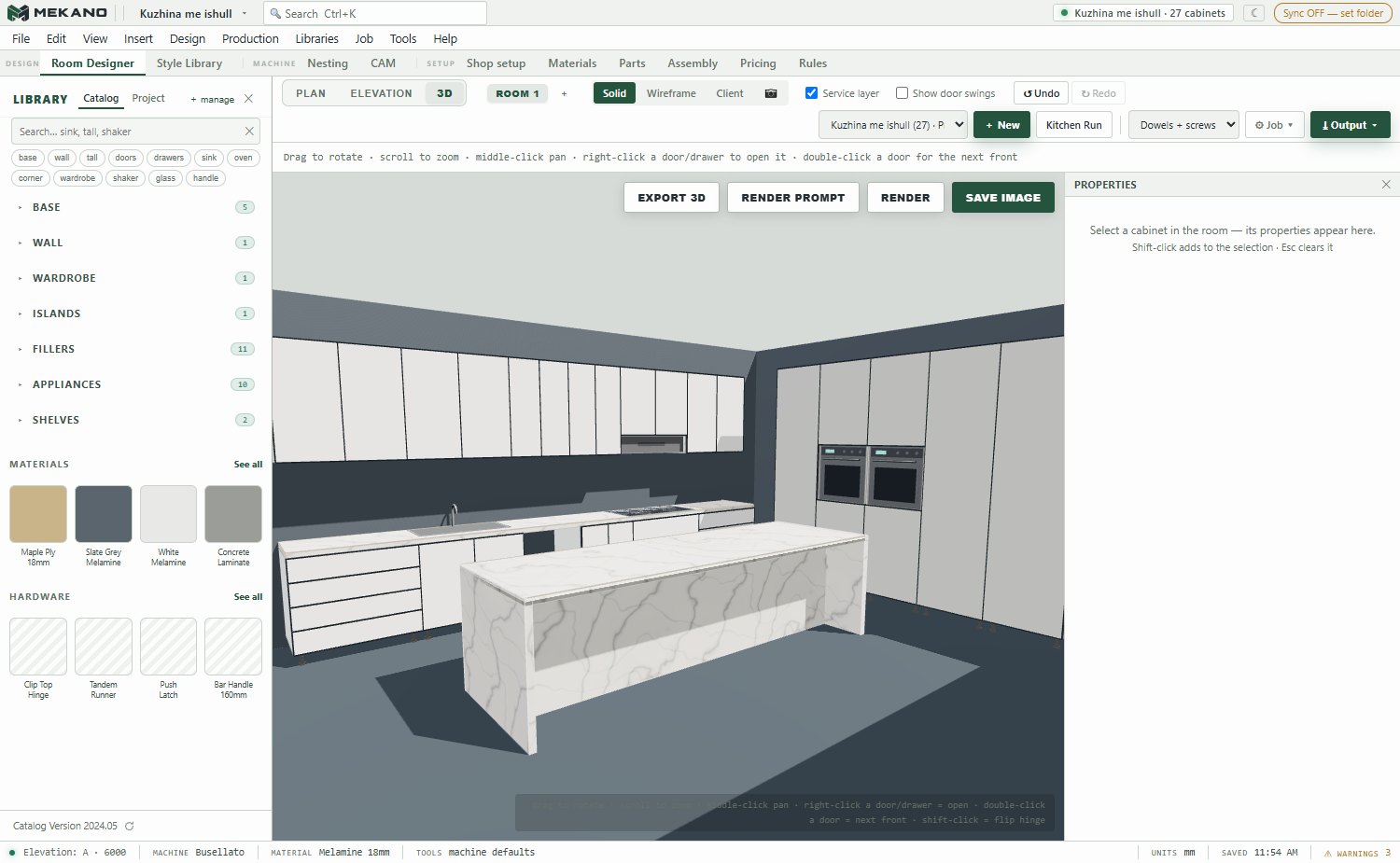
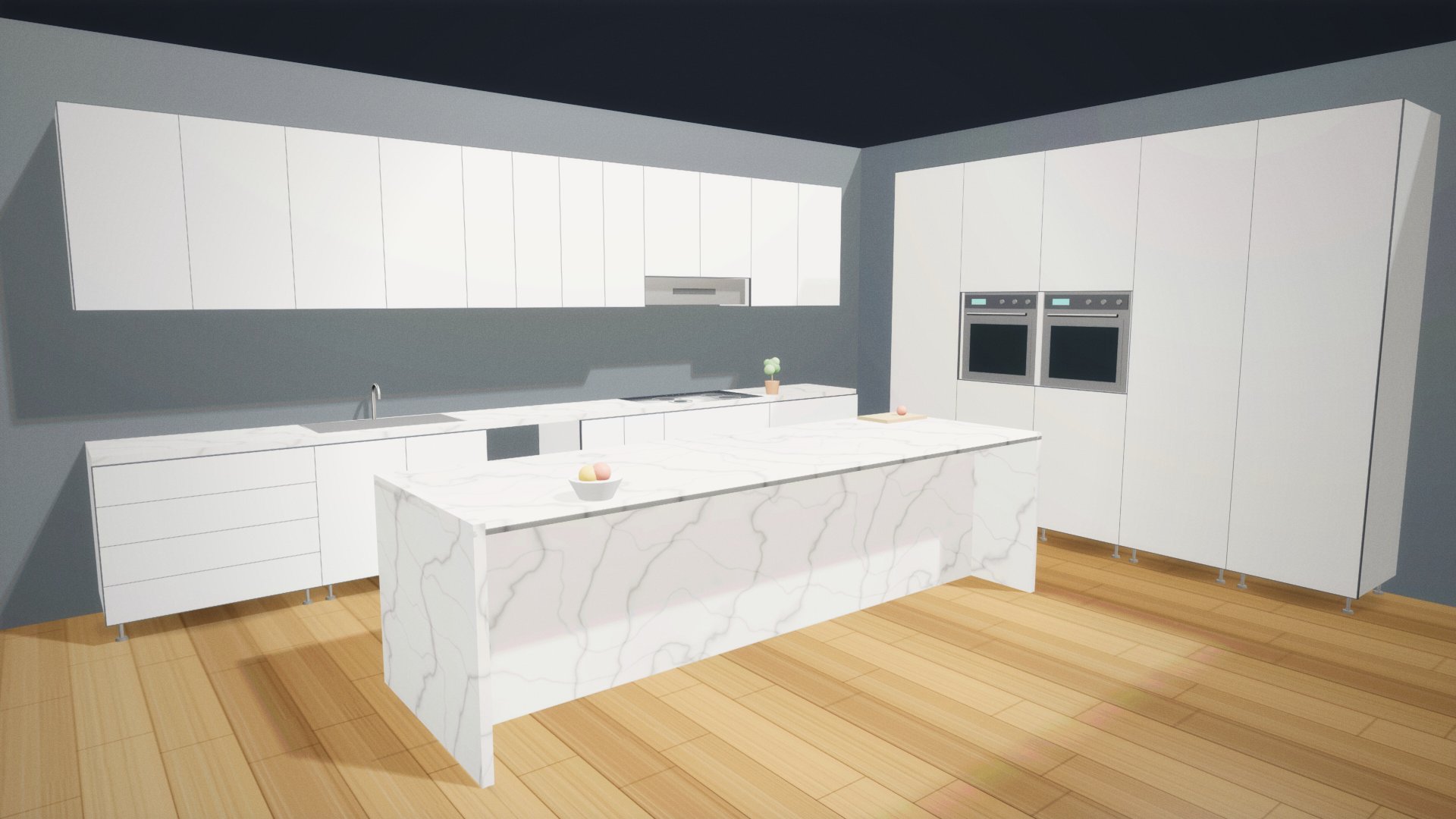
illustration · the kitchen was drawn in MEKANO
Scroll downA real program, line by line.
This is a real MEKANO program for an example kitchen: 15 doors, 90 holes and 75 cutting moves. Scroll down and the machine cuts the sheet.
Drag the bar and read the code. Today MEKANO writes programs for the Busellato Genesis Evolution. Other machines are planned.
For nesting and pod-and-rail CNCs.
From the same project, MEKANO writes the programs for both ways of working.
Nesting CNCthe parts are cut from the full sheet
The parts are laid out on the sheet and every sheet gets its own program. MEKANO picks the cutting order, cuts the small parts first and holds them in place with a thin skin or small tabs.
Nesting on pods too: the sheet is cut on top of a backer board.
Pod-and-rail CNCrails and pods, one part at a time
Every part gets its own program for the holes, grooves and cuts. Cuts stop 0.7 mm above the pods, so the machine never touches them.
MEKANO also shows where to put the pods, clear of the holes and cuts.
Today the programs are for the Busellato Genesis Evolution. Other machines are planned.
Change one size. Everything follows.
Move the cabinet width. Every number here is a real MEKANO result for that size.
| Part | Length | Width | Thickness | Holes |
|---|
A base cabinet with 2 doors, 720 × 560 mm. Sizes in mm.
One project, from every side.
The island kitchen in the program's real window. No screenshot here is retouched.
Every part comes out ready for the shop.
One model gives you the programs, the labels and the sheet maps. No size is typed twice.
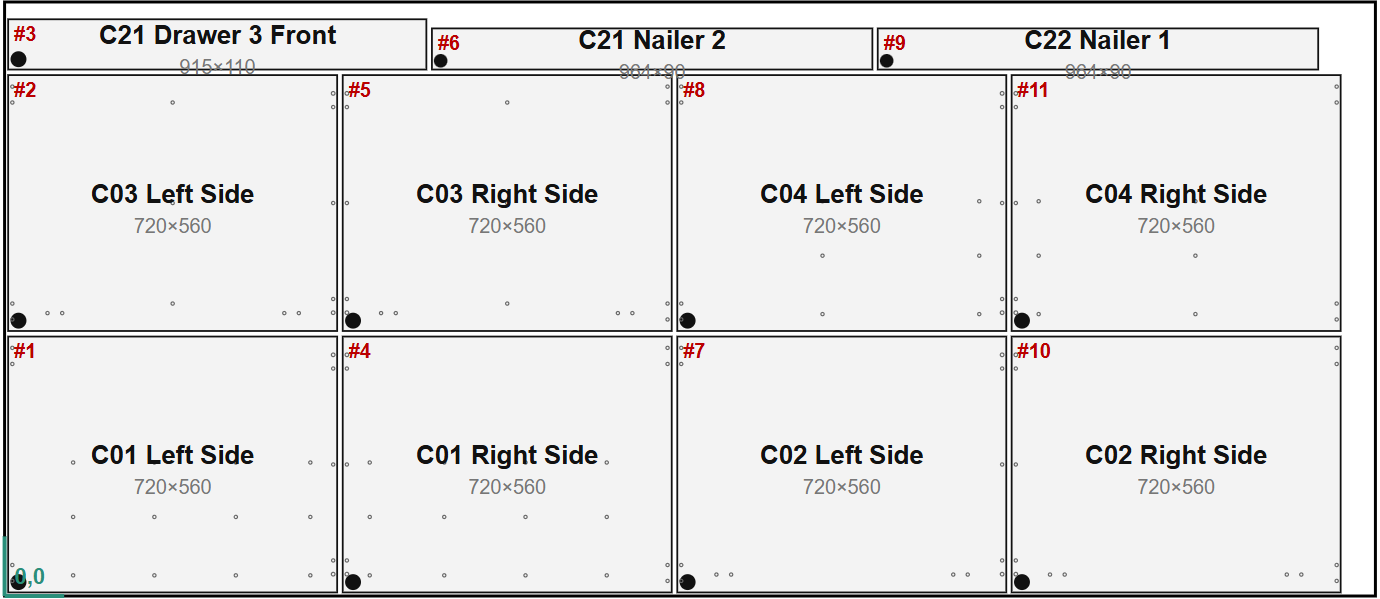
Cutting
The parts are laid out on the sheet and the .CNC program comes out in one click.
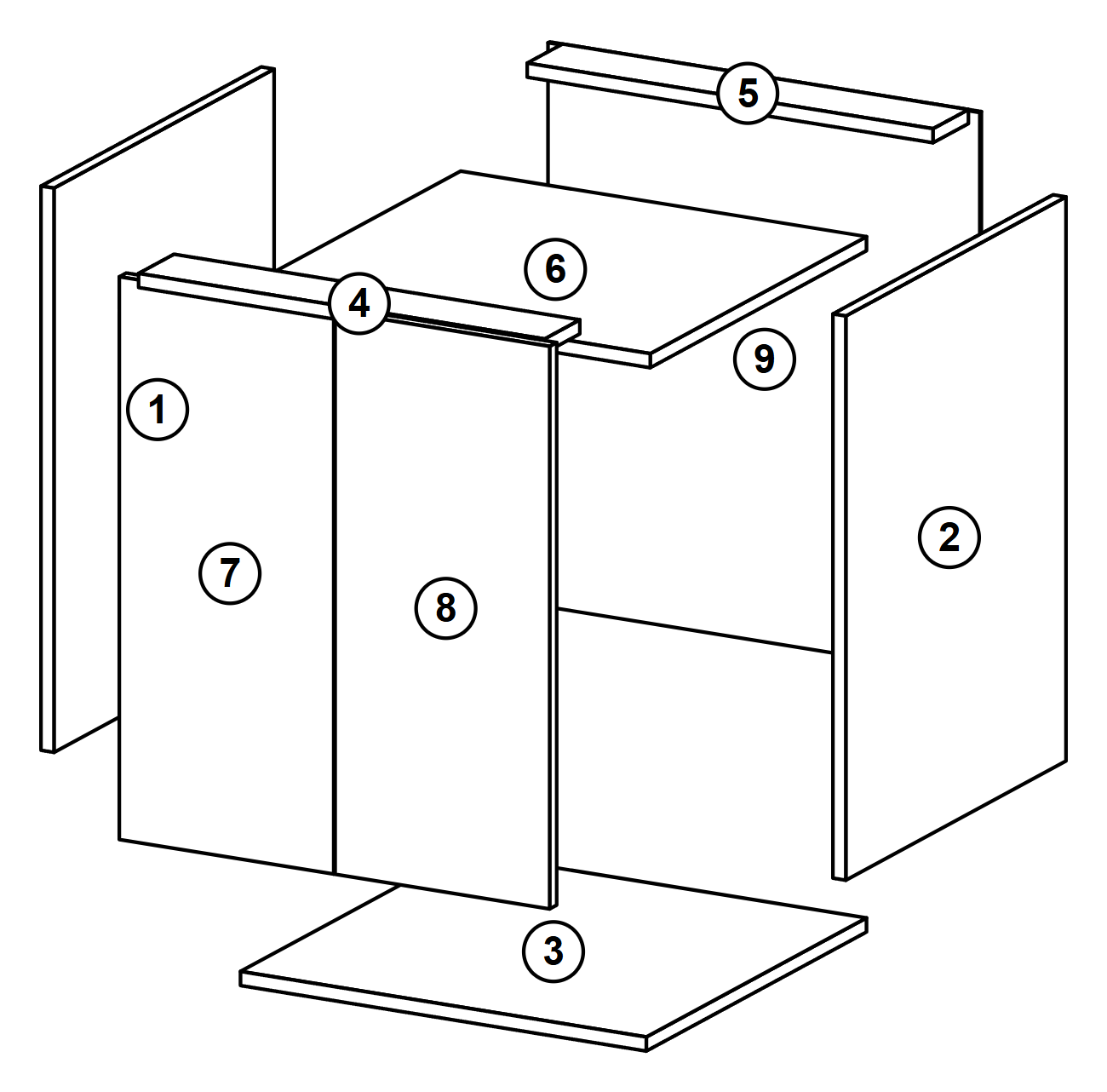
Assembly
The shop ticket shows every cabinet exploded, part by part.
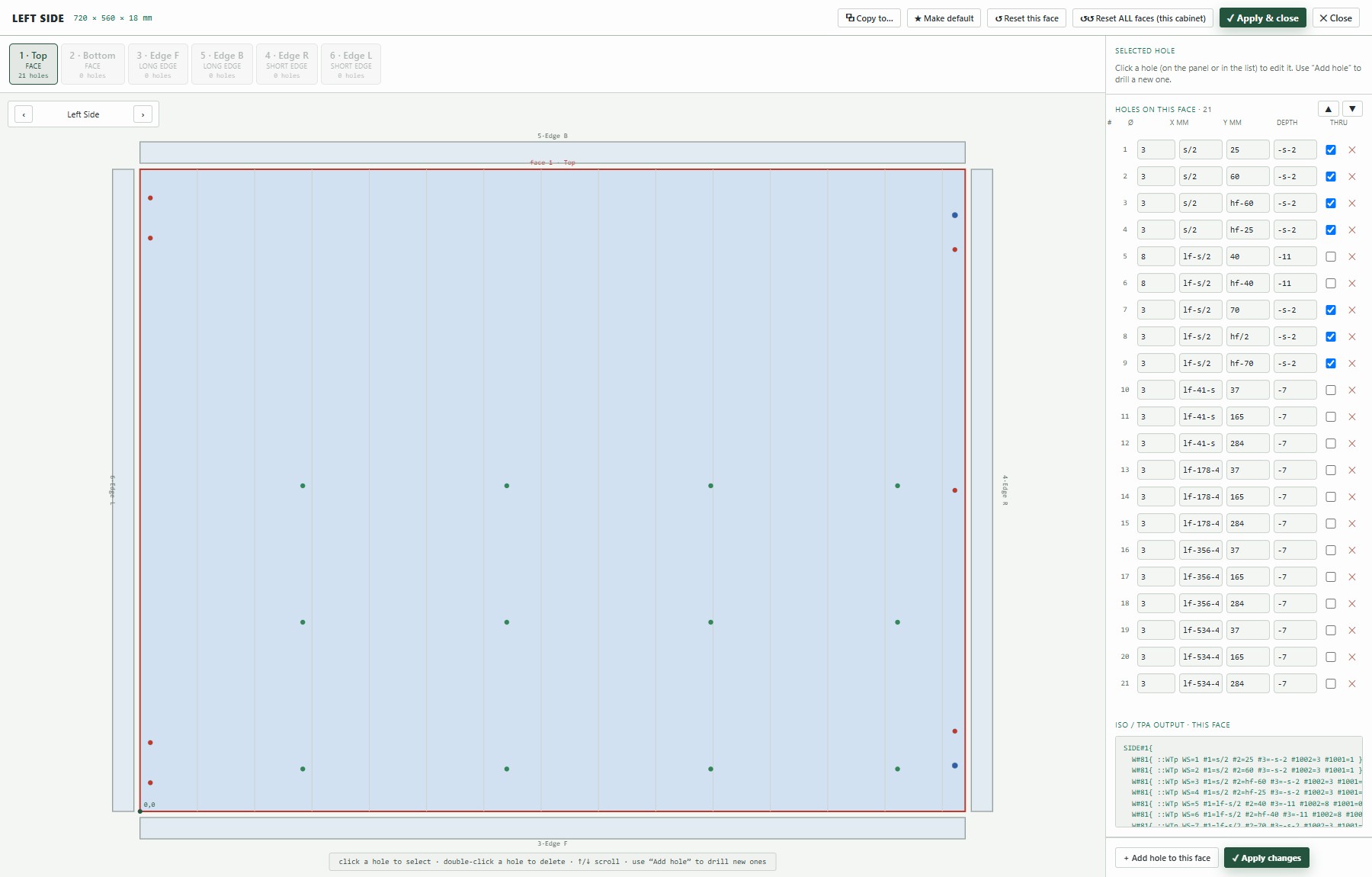
Drilling
Hinge and dowel holes are worked out for every part.
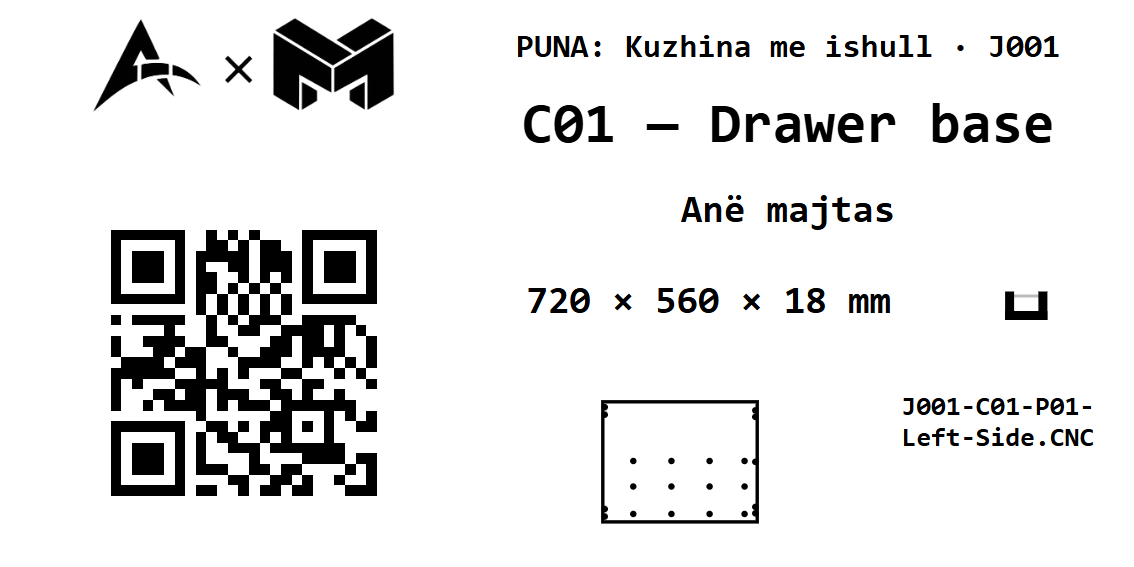
Labels
Every part gets its own label for the shop floor.
From the plan to the fitted kitchen.
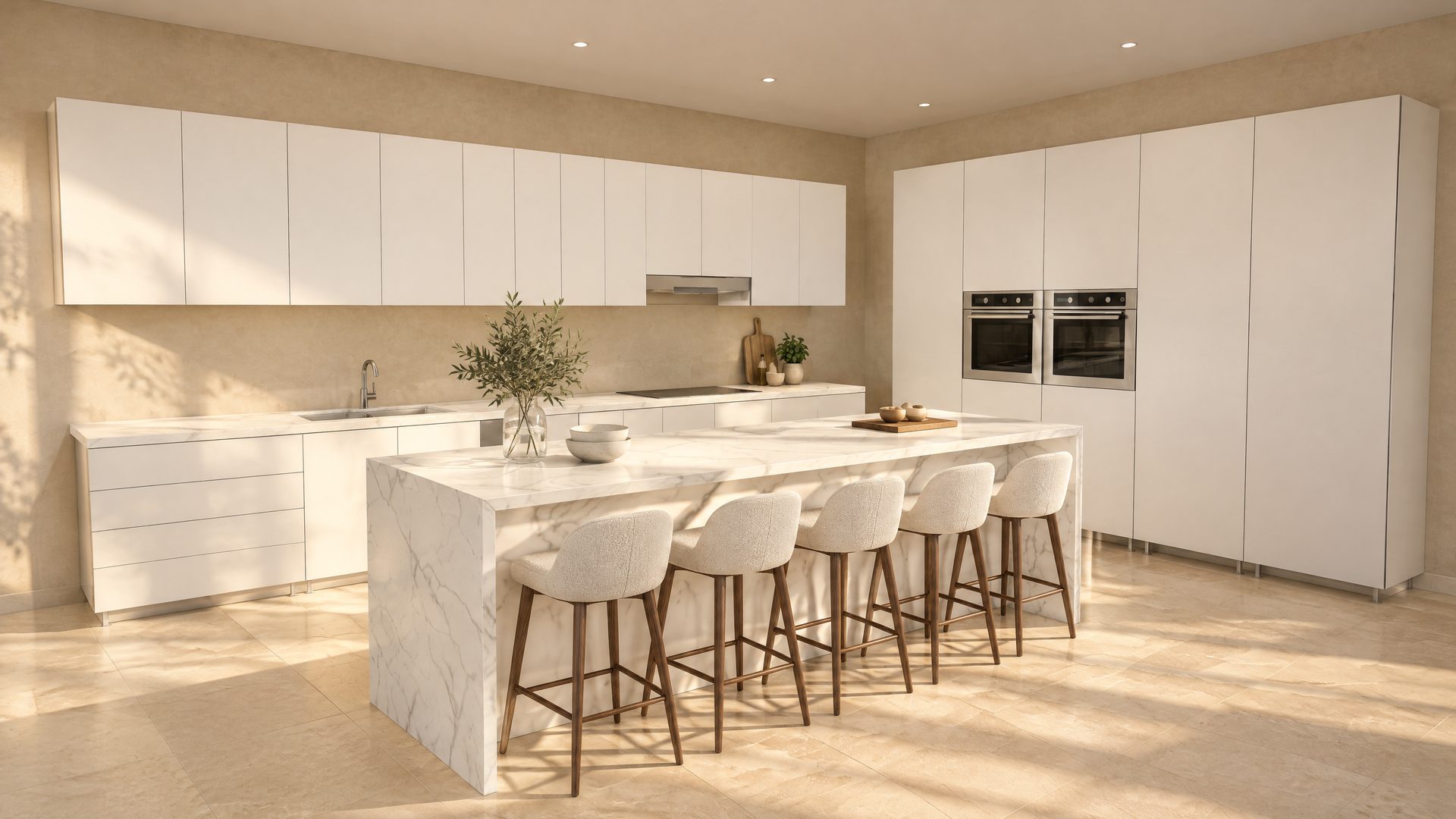
This island kitchen was drawn in MEKANO. The second picture shows how it could look once fitted.
Mistakes are caught on screen, not on the board.
MEKANO checks the project before the program goes to the machine. Some mistakes stop the export. The others tell you what to do. When there are no mistakes, the export is unlocked.
- WARNINGDoor 1 (C02) hits the handle of door 1 (C03) at 83° — add a 80 mm filler between C02 and C03 (or hinge it on the right).
- WARNINGDrawer 1 (C02) hits the handle of drawer 1 (C03) as it pulls out (195 of 490 mm) — add a 45 mm filler.
- STOPHinge cups on the wrong edge.
These are the program's real messages.
More than cabinets.
The same program also cuts tables, curved panels, reliefs and other shapes.
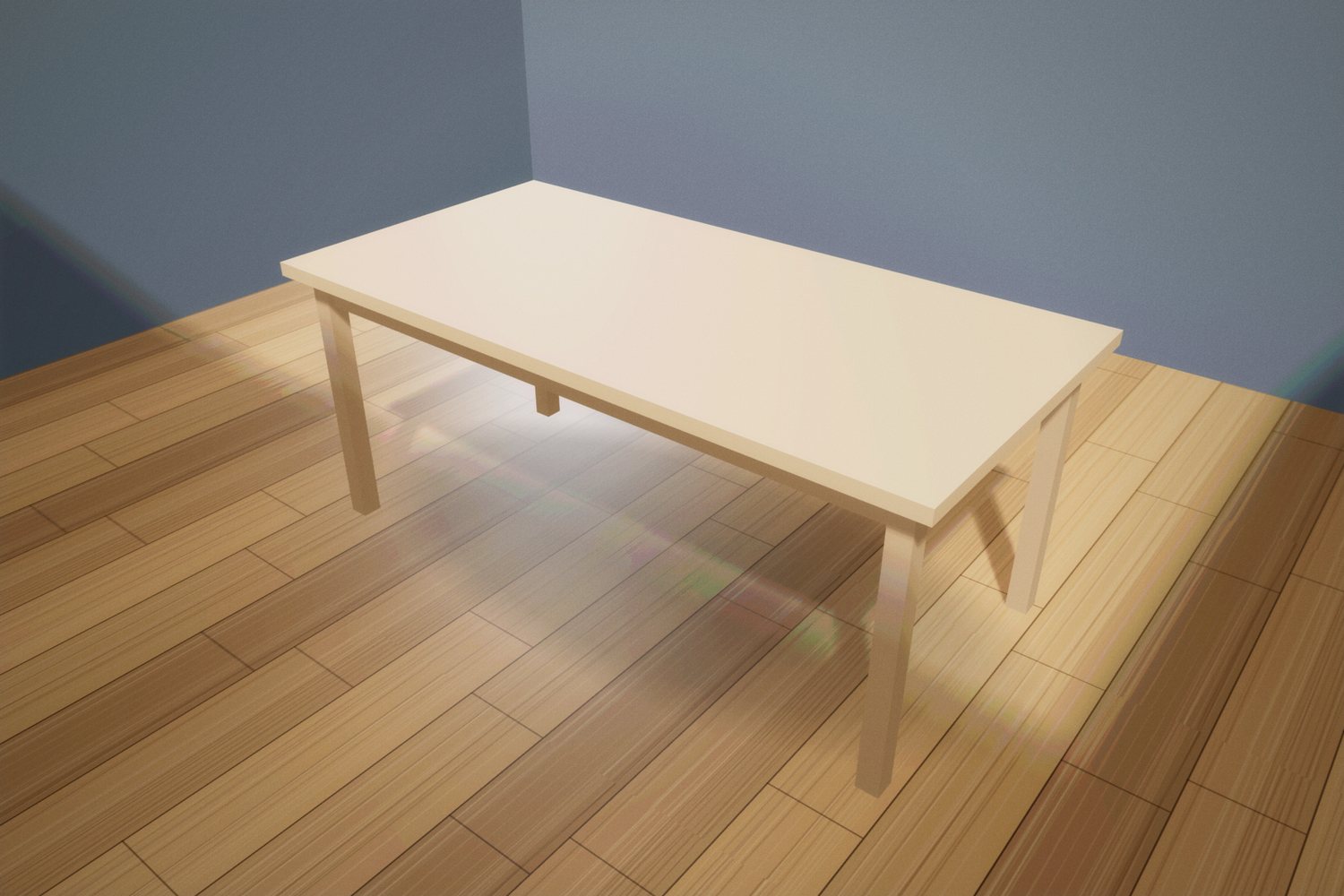
Tables
Dining tables, desks and coffee tables with Ø8 dowels.
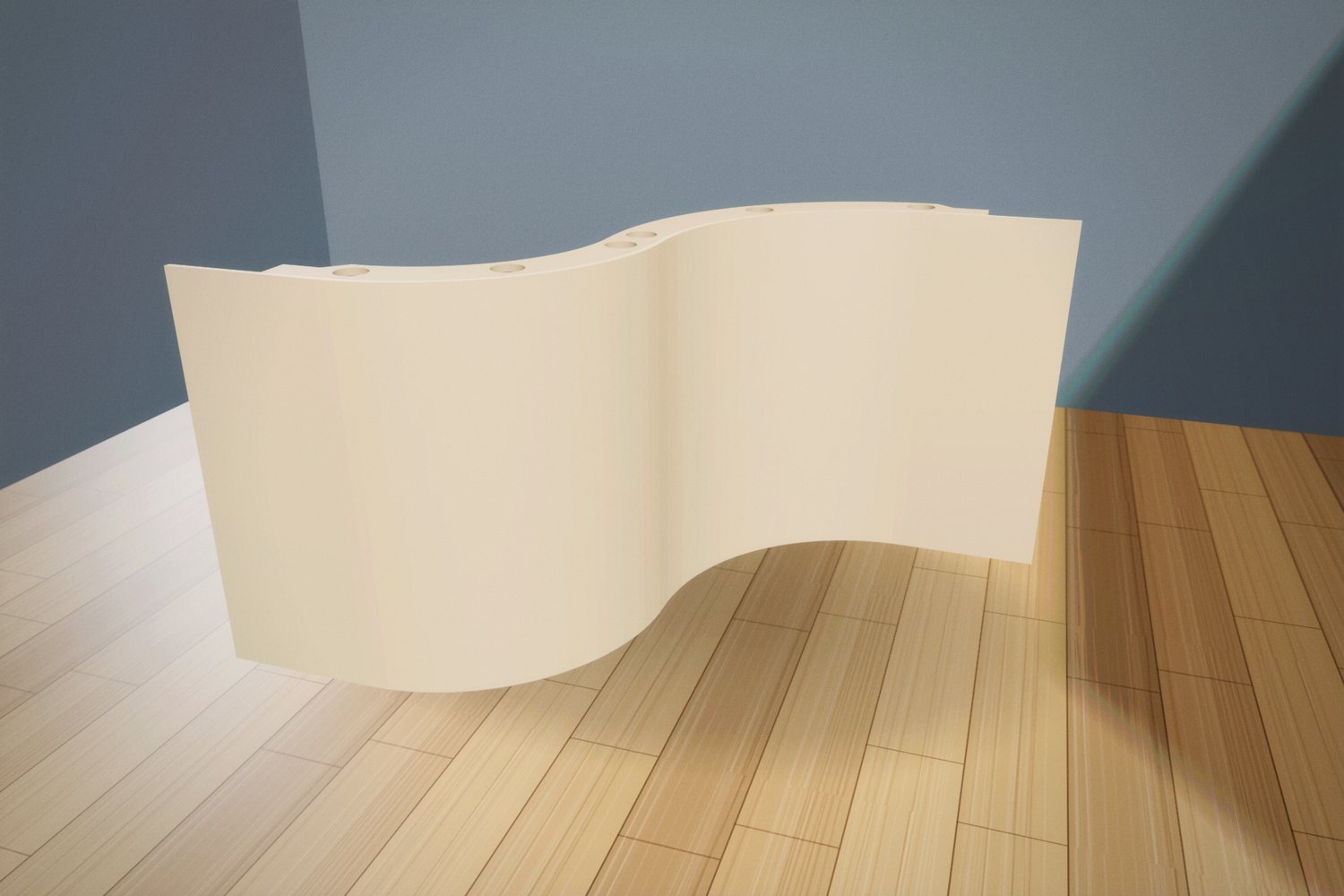
Curved panels
Curves, S shapes and curved doors.
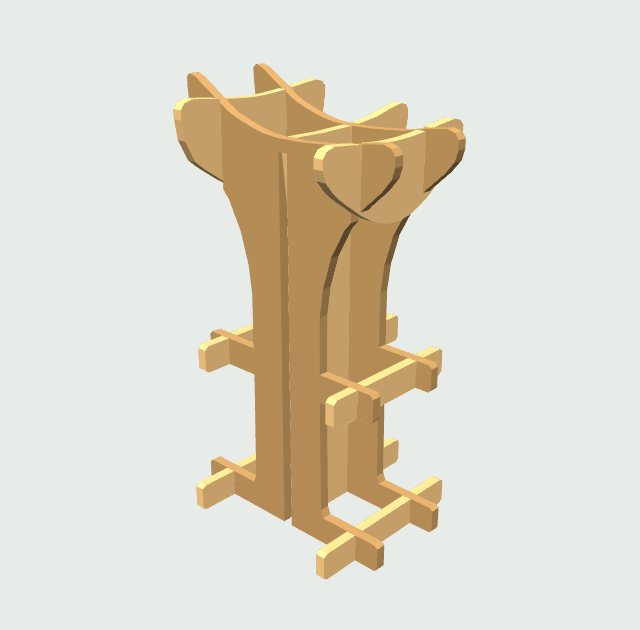
A model in parts
A 3D model is cut into parts that slot into each other. Bar stool, 9 parts, 18 mm board.
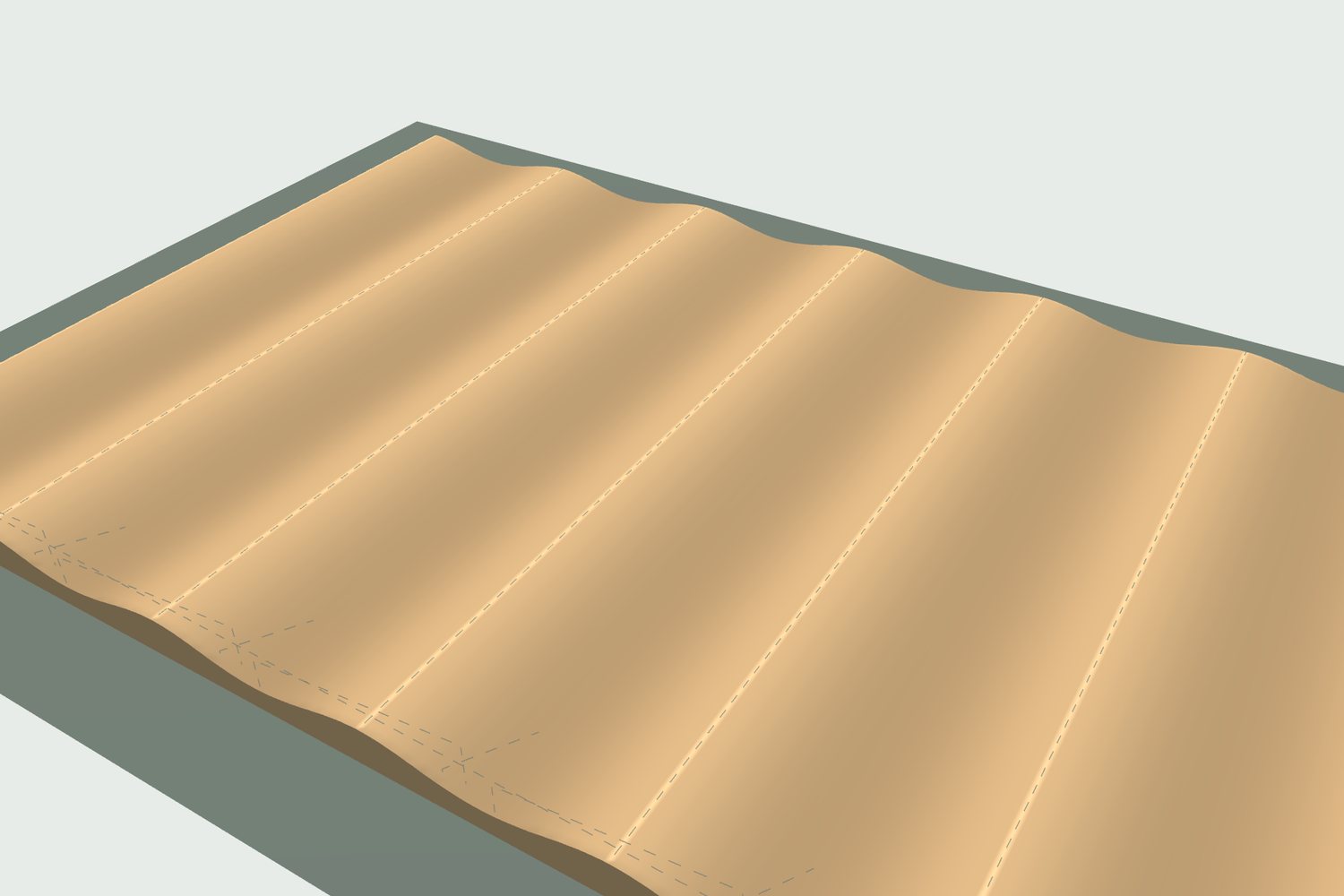
3D relief
Waves and shapes from a few numbers, or from an STL model or a photo.
Logos and text
From a PDF, an SVG or a font.
DXF and SVG
Your drawings become cuts.
Ask for a demo.
In a demo you see a cabinet turn into a .CNC program, from the drawing to the machine. MEKANO was born in a cabinet shop in Albania, and its programs are proven with real cuts on a real machine.
- info@mekano.al
- Country
- Albania